
Speaker
Intended to perform testing on the device’s built-in speaker device.
- Device with internal speaker.
- Headphone Jack for earphone (optional).
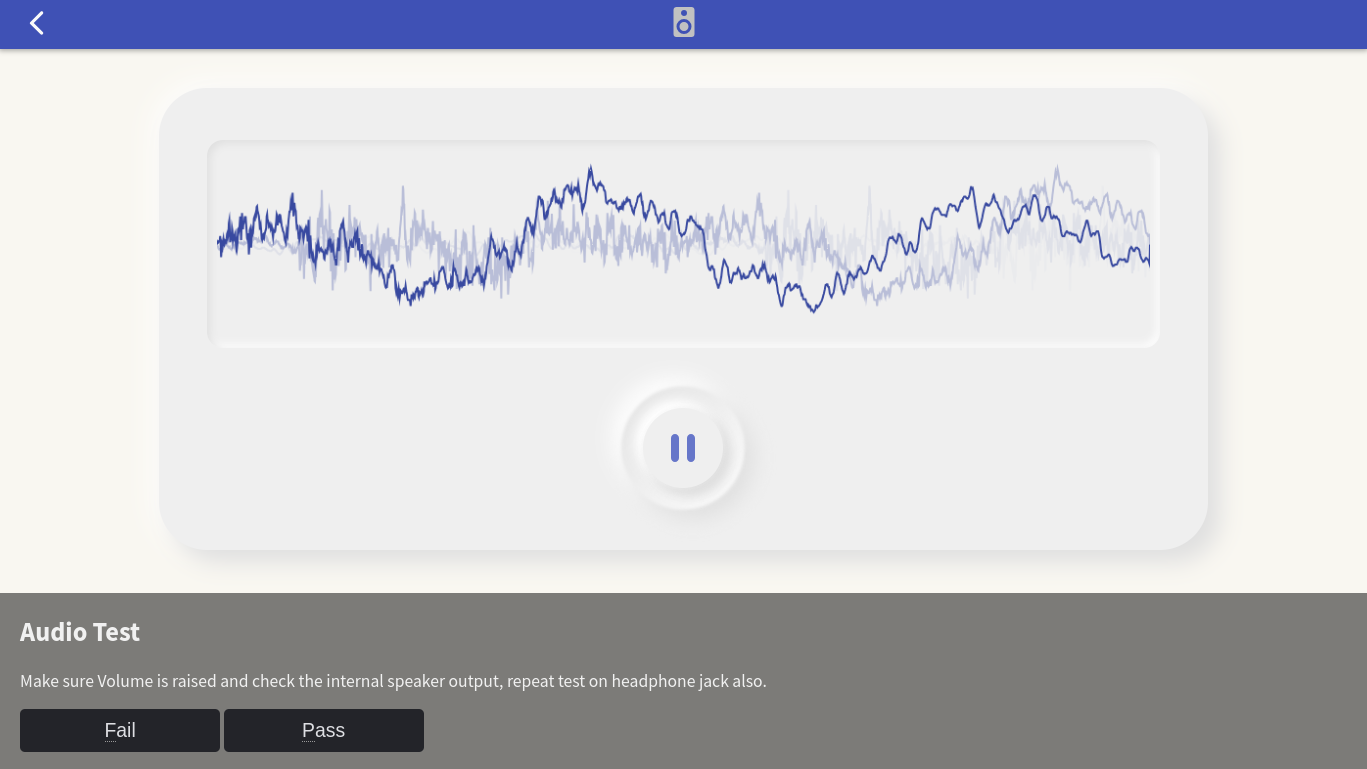
Make sure to set the sound level to an audible position using the volume buttons on the device. And repeat this test using earphones if there is an available headphone jack. The focus is the function of the headphone jack, make sure the sound goes to the earphones and the internal speakers are turned off when the earphone jack is plugged in.
Random Test Source
There is a feature of this test module to be able to automatically select randomly a song that is playing from several choices of songs available on the server. Useful to avoid “boring” word from testing operator who perform this test 9to5 everyday.