
Microphone
Intended to perform testing on the device’s built-in microphone device.
- Device with built in internal microphone.
- Headphone Jack for earphone with mic (optional).
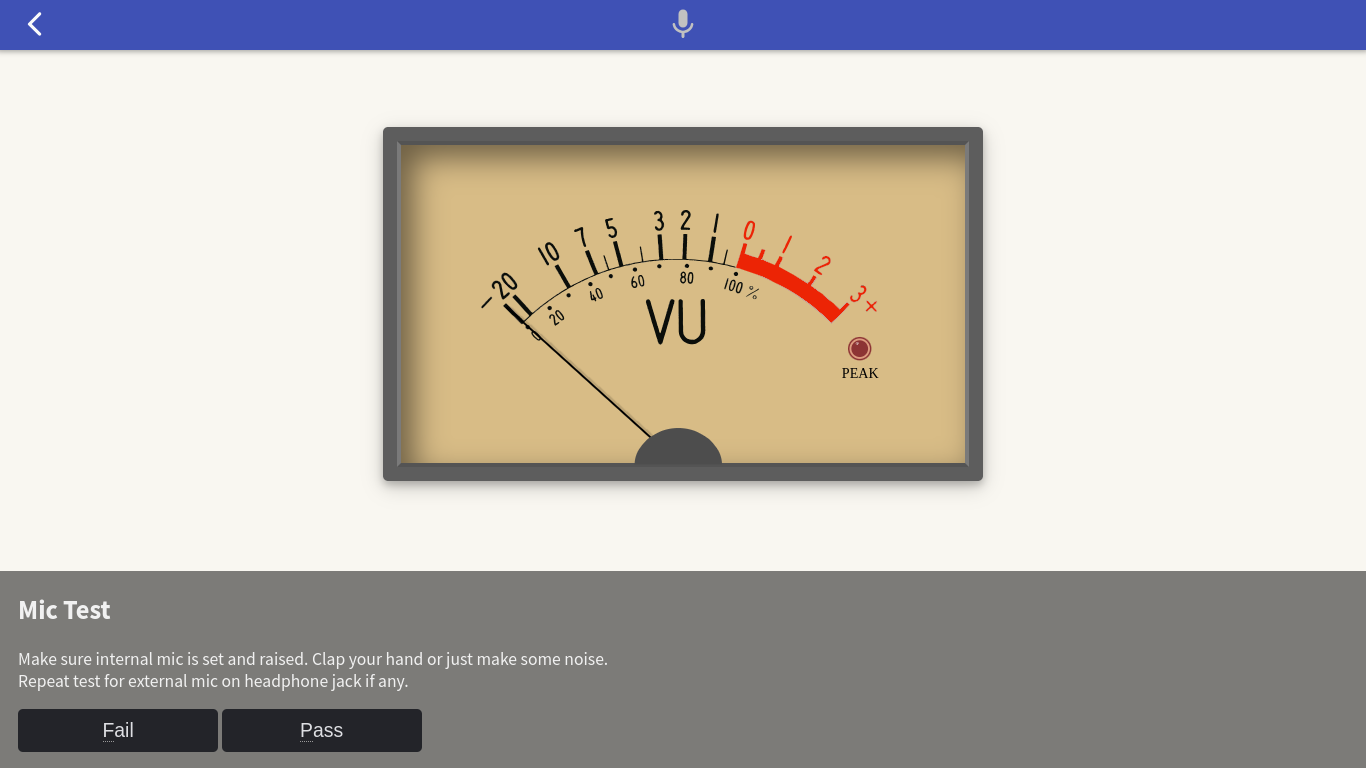
You can clap or make some noise near the device and the vumeter will fluctuate according to the loudness of the sound it gets from the mic. Make sure to set the mic sensitivity level in the OS sound settings to a position where you can clearly see changes in the vumeter sound level.
Repeat this test using an external earphone mic if a headphone jack is available. The focus is on the headphone jack function, make sure the internal mic switches to the external when the earphone plug is plugged in.
Technically, since this get raw data audio from mic can compromise privacy, the get audio from mic is not available unless the user approves it, so user must answer the Block or Allow confirmation from the browser when the page loads.
WebAudio API https
In addition, the get audio from mic function also requires an https connection, as a requirement of the Web Audio API.
Why? It’s because this feature allows you to listen in to the private conversations of the user. If it were enabled over unencrypted HTTP, this would allow an attacker to inject code that listens in and sends the conversations to the attacker. Therefore, to get audio from mic is only available from secure contexts https.