
Keyboard
Intended to test the physical keyboard on a laptop or notebook, whether there is a damage or defect carried away from the assembly line or manufacturer.
- Device with built in physical keyboard attached.
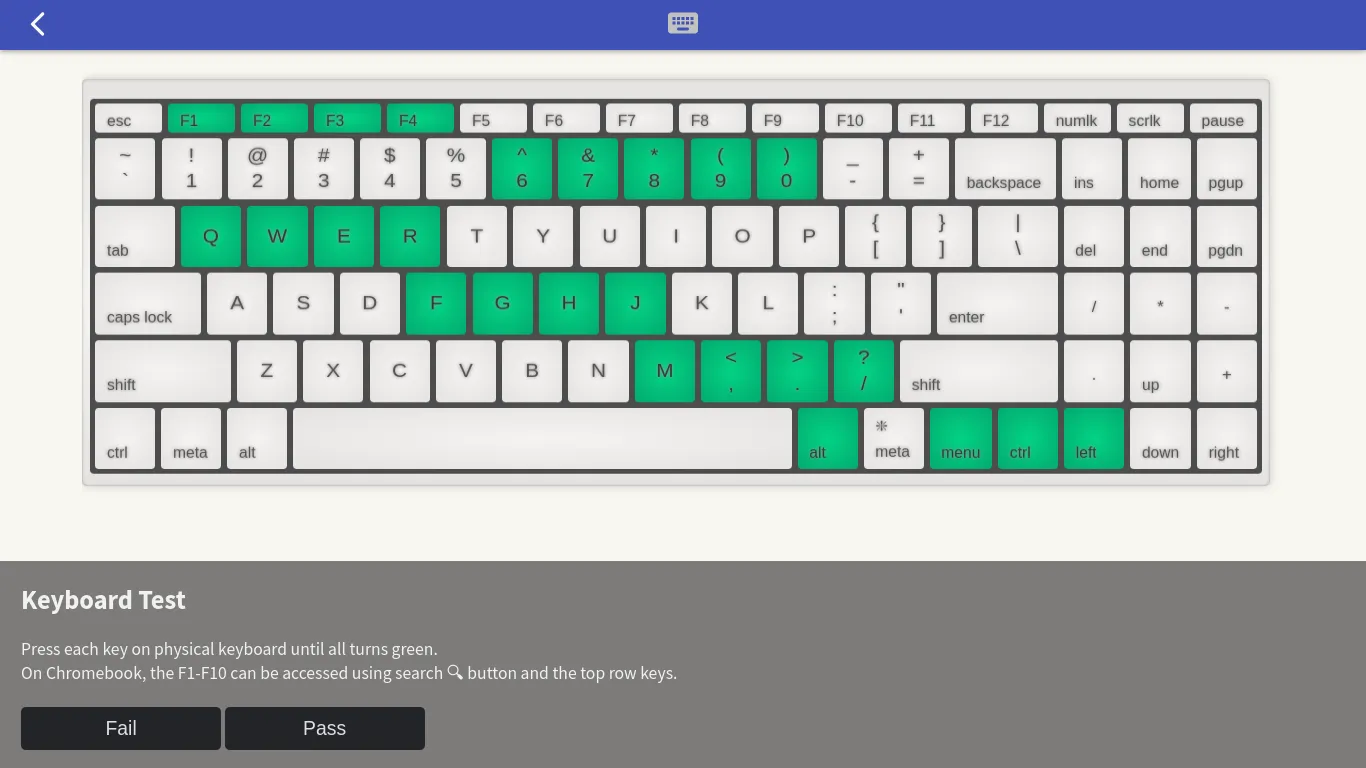
Of course, not all keyboard layouts on the laptop / notebook tested will always have the same layout as the picture, especially on the Chromebook keyboard layout.
Chromebook Fn keys
On Chromebook keyboards, the top row of the keyboard has been mapped to the main functions of Google Chrome’s built-in browser by default such as back, forward, fullscreen and hardware buttons for screen intensity and volume settings. To test the F1-F10 function keys to turn green, you can do this by pressing the Search button first before pressing the top row button equivalent. There are no F11 and F12 keys on the chromebook, neither are the Caps Lock and Delete keys.
Numpad keys
On the numpad key test, the 0-9 numeric keys will use the same keys on the regular numeric keypad layout, but in bright blue. Meanwhile, the divider, multiplier, plus, minus and decimal buttons will be displayed on the right side above arrow keys.