
Bluetooth
Intended to test the bluetooth component on the device under test.
- Device with bluetooth device.
Make sure the bluetooth is enabled on both devices, and then press button to scan nearby devices.
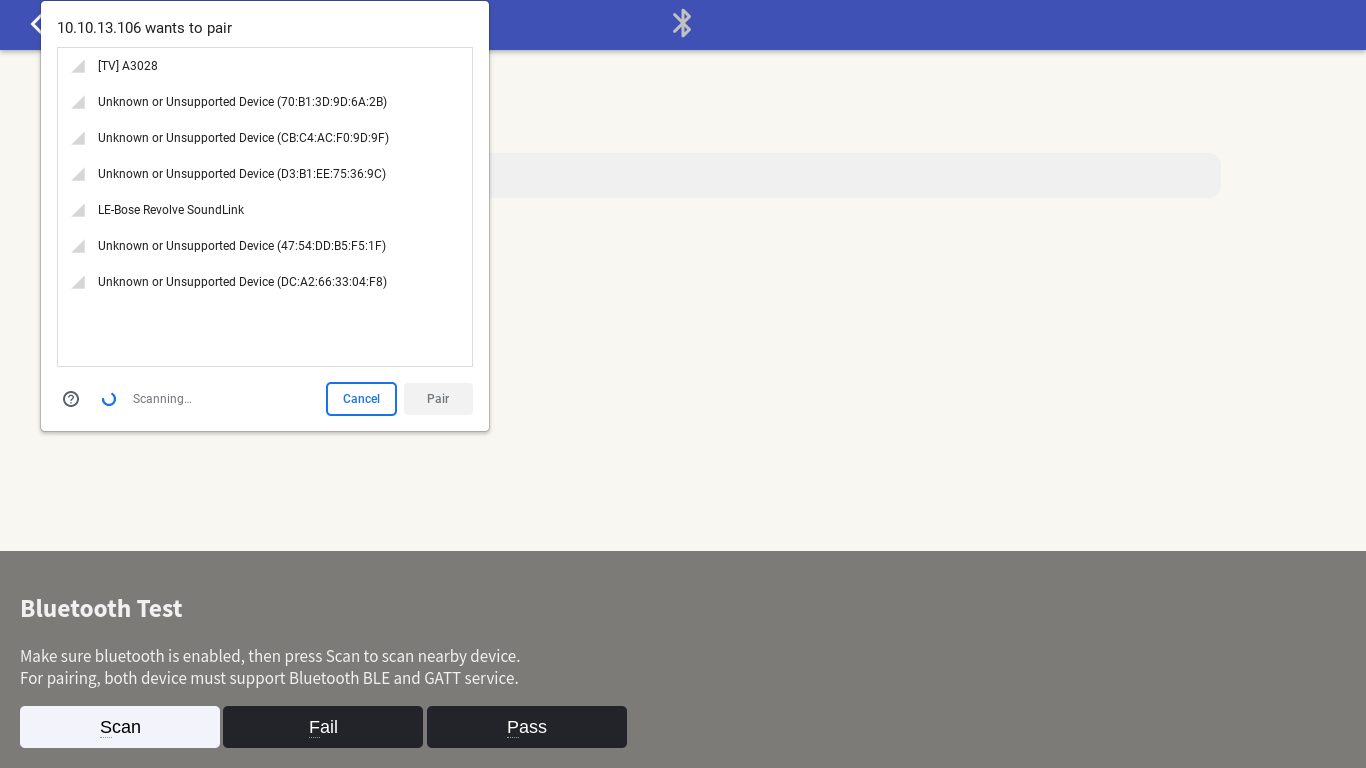
This Web Bluetooth API on Chrome only works with BLE (Bluetooth Low Energy) with GATT service. It will NOT work with Classic Bluetooth version 2 or 3 such as on A2DP (Advanced Audio Distribution Profile) devices, aka audio streaming over bluetooth.
Once you have a BLE and GATT compatible device (usually available on smartphones and wearable smartband devices), you may try to pair them by pressing button.
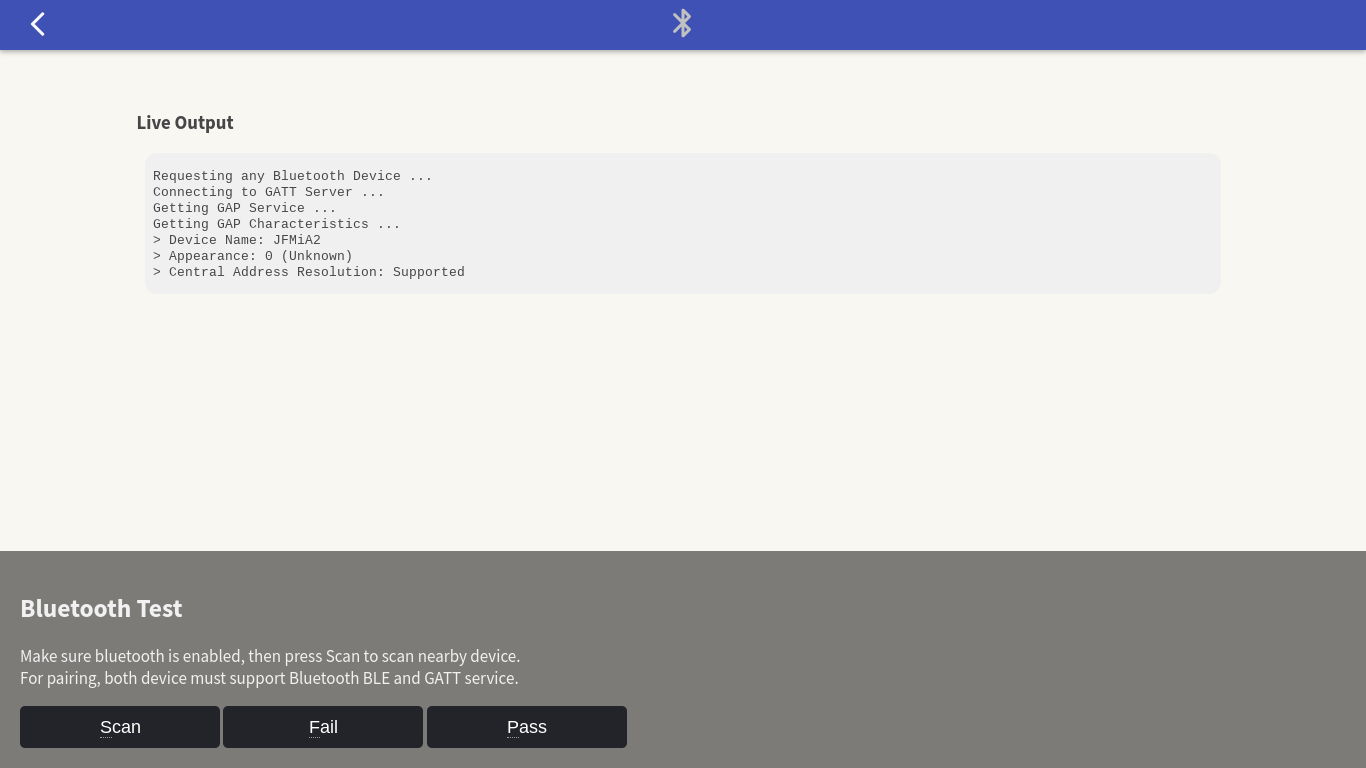
Bluetooth BLE and GATT
BLE : Bluetooth Low Energy, sometimes referred to as “Bluetooth Smart”, is a light-weight subset of classic Bluetooth and was introduced as part of the Bluetooth 4.0 core specification. Support for Bluetooth 4.0 and Bluetooth Low Energy (which is a subset of BT 4.0) is available on most major platforms as of the versions listed below:
- iOS5+ (iOS7+ preferred)
- Android 4.3+ (numerous bug fixes in 4.4+)
- Apple OS X 10.6+
- Windows 8 (XP, Vista and 7 only support Bluetooth 2.1)
- GNU/Linux Vanilla BlueZ 4.93+
GATT : Bluetooth GATT is an acronym for the Generic Attribute Profile, and it defines the way that two Bluetooth Low Energy devices transfer data back and forth using concepts called Services and Characteristics. It makes use of a generic data protocol called the Attribute Protocol (ATT), which is used to store Services, Characteristics and related data in a simple lookup table using 16-bit IDs for each entry in the table.
Browser compatibility
The Web Bluetooth API technology is still relatively new (experimental) and currently only supported on Chrome Browser and NOT supported in Mozilla Firefox. Please check the Browser Compatibility of Web Bluetooth API (MDN).